01
Article signal score
See the article’s signals at a glance.
TruScope brings loaded wording, sensational presentation, and article direction into one focused results view.
Inside the extension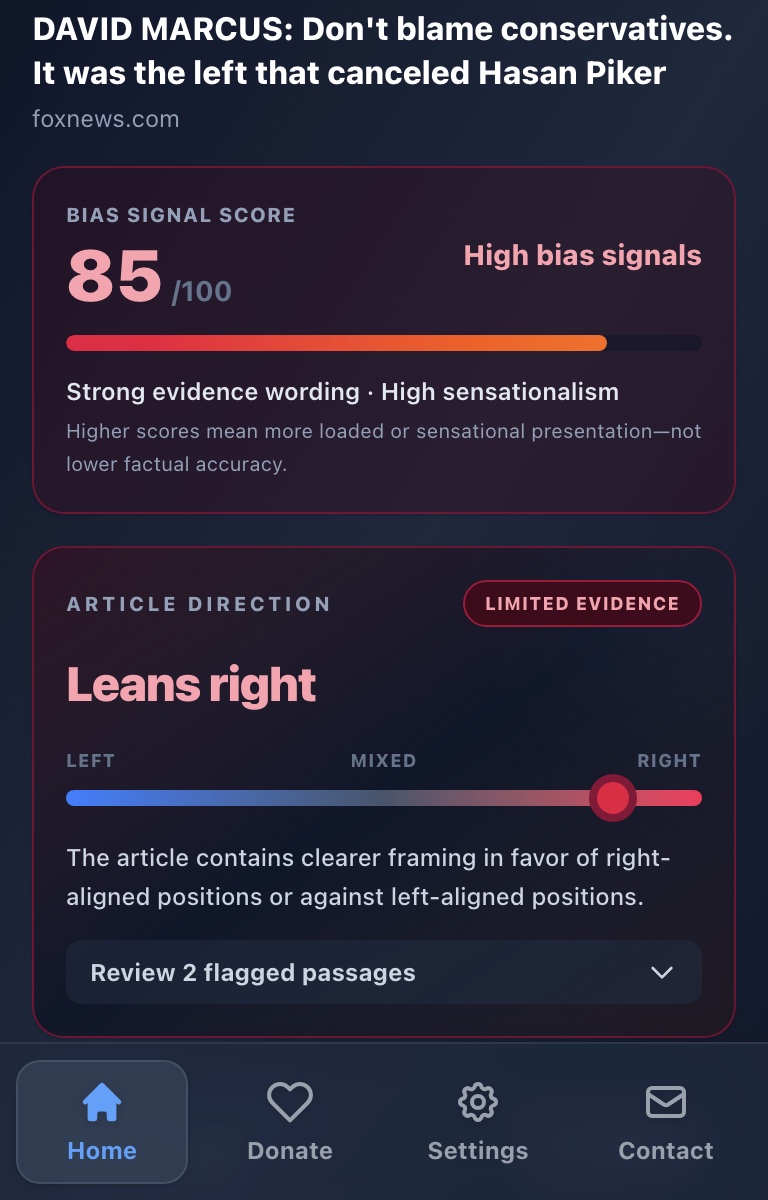
TruScope reveals loaded wording, sensational presentation, and directional framing—then shows the exact passages behind every signal.
How TruScope reads
Start with a concise result, open the evidence behind it, and export the full analysis whenever you want to take your research further.
Article signal score
TruScope brings loaded wording, sensational presentation, and article direction into one focused results view.
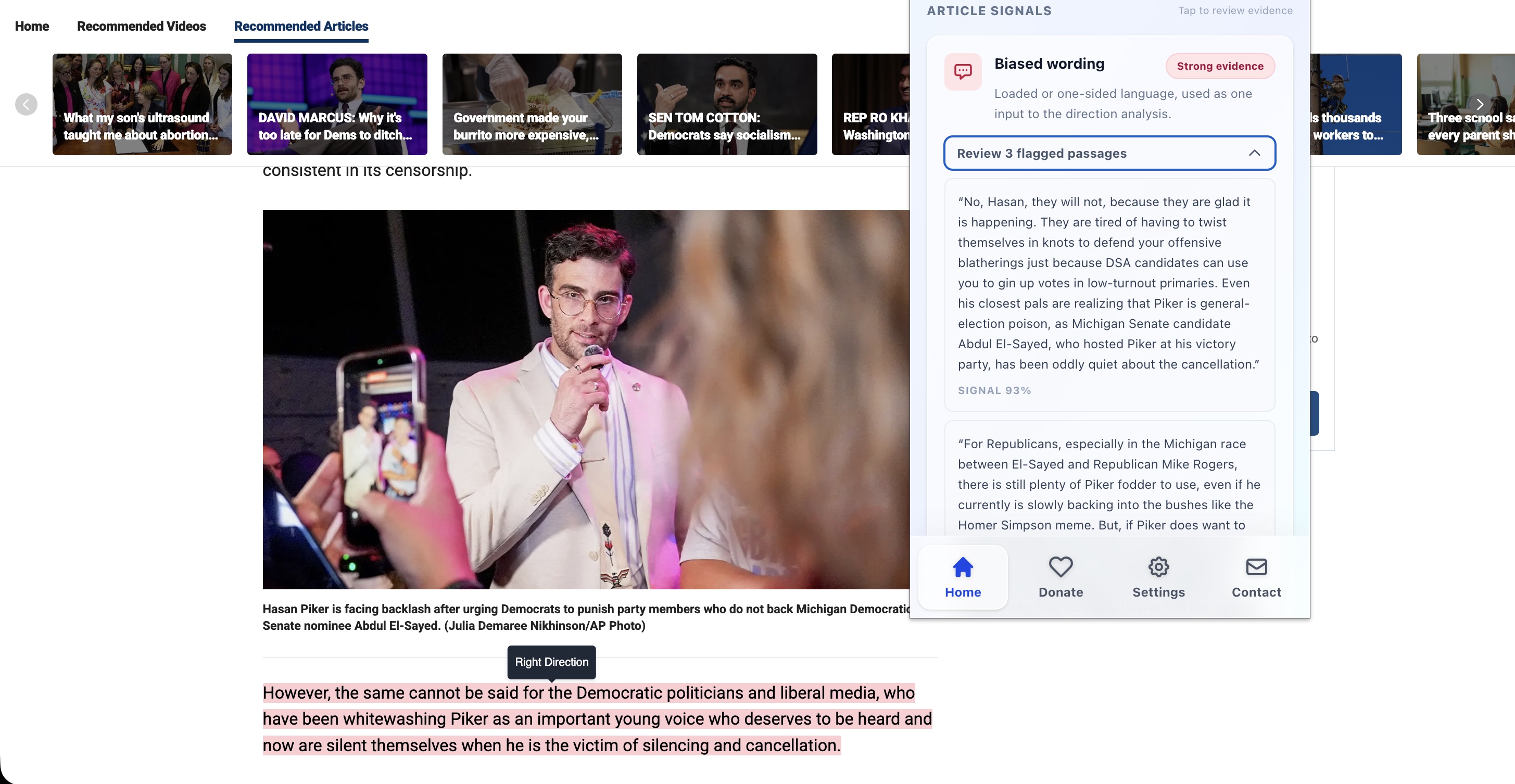
Reviewable evidence
Open the evidence behind a result and review the exact passages that influenced it, with context kept close at hand.
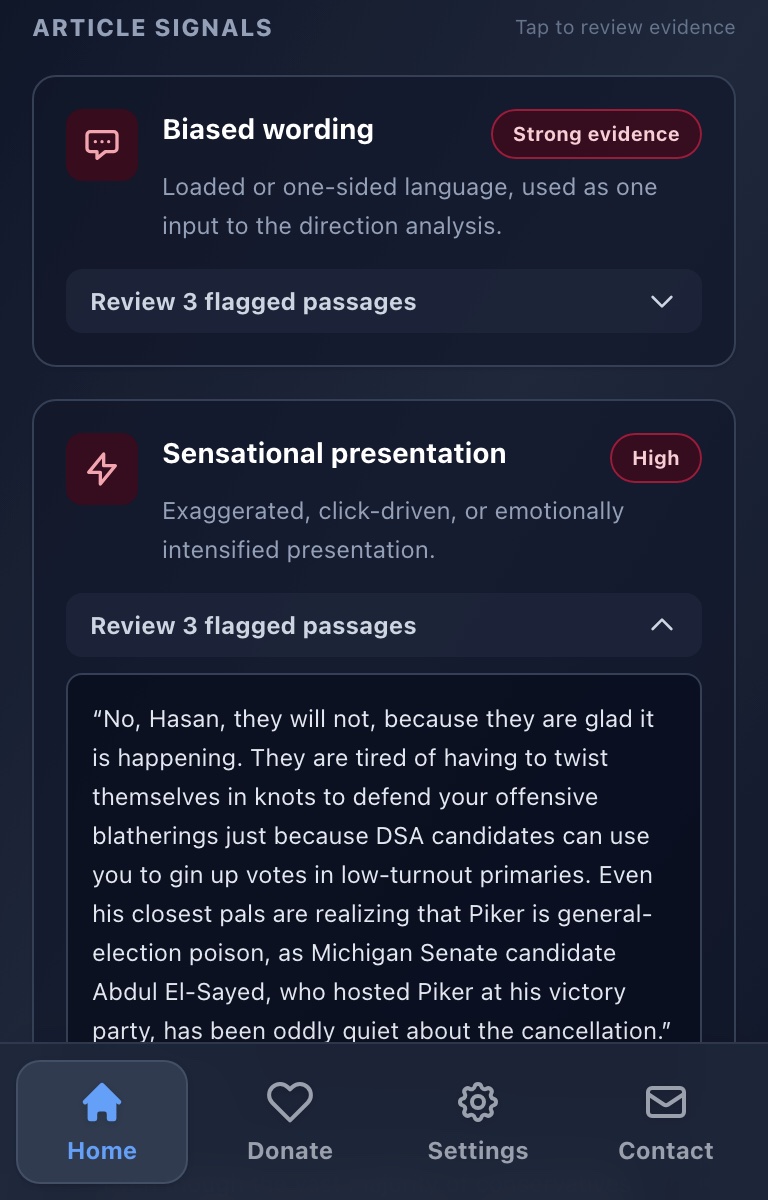
Analysis exports
Build a reusable local research dataset and download your saved analyses as JSON or CSV—including article text, evidence, model details, thresholds, and methodology.
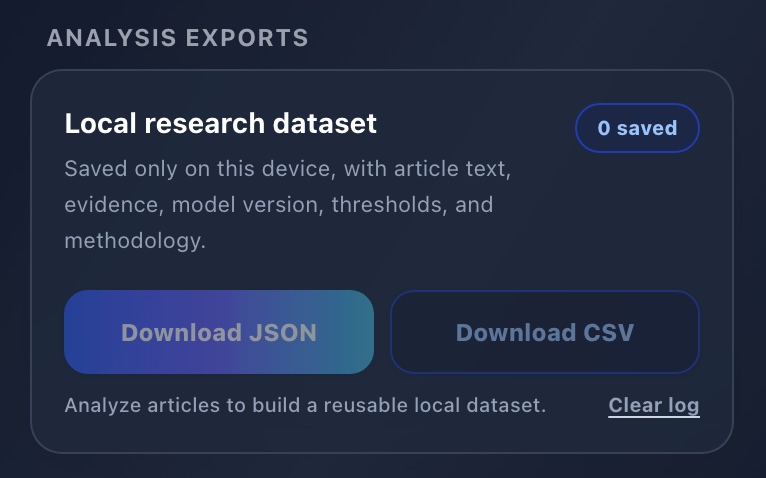
Evidence on the page
TruScope can highlight the passages that influenced a result directly where you found them—without breaking your reading flow.
Private by architecture
TruScope's analysis models are bundled with the extension. The article moves through a local pipeline on your device, not a remote analysis service.
Designed for careful reading
TruScope keeps the score, article direction, and supporting passages connected, so the result never loses its context.
Results point back to the passages that shaped them.
Score, direction, and presentation signals work as one view.
Evidence strength and analysis details remain visible.
Community supported
TruScope has no subscriptions or ads. If it helps you read more carefully, you can support its continued development.
TruScope examines loaded wording, sensational presentation, and directional framing in individual news articles. It combines those findings into a clear signal score with supporting passages.
TruScope works best on readable news and opinion articles with a clear headline and substantial body text. It checks whether the page looks like an article before analysis and can let you continue when the page is uncertain.
Yes. Open any signal to review its flagged passages, evidence strength, and surrounding context. TruScope can also highlight those passages directly on the article page.
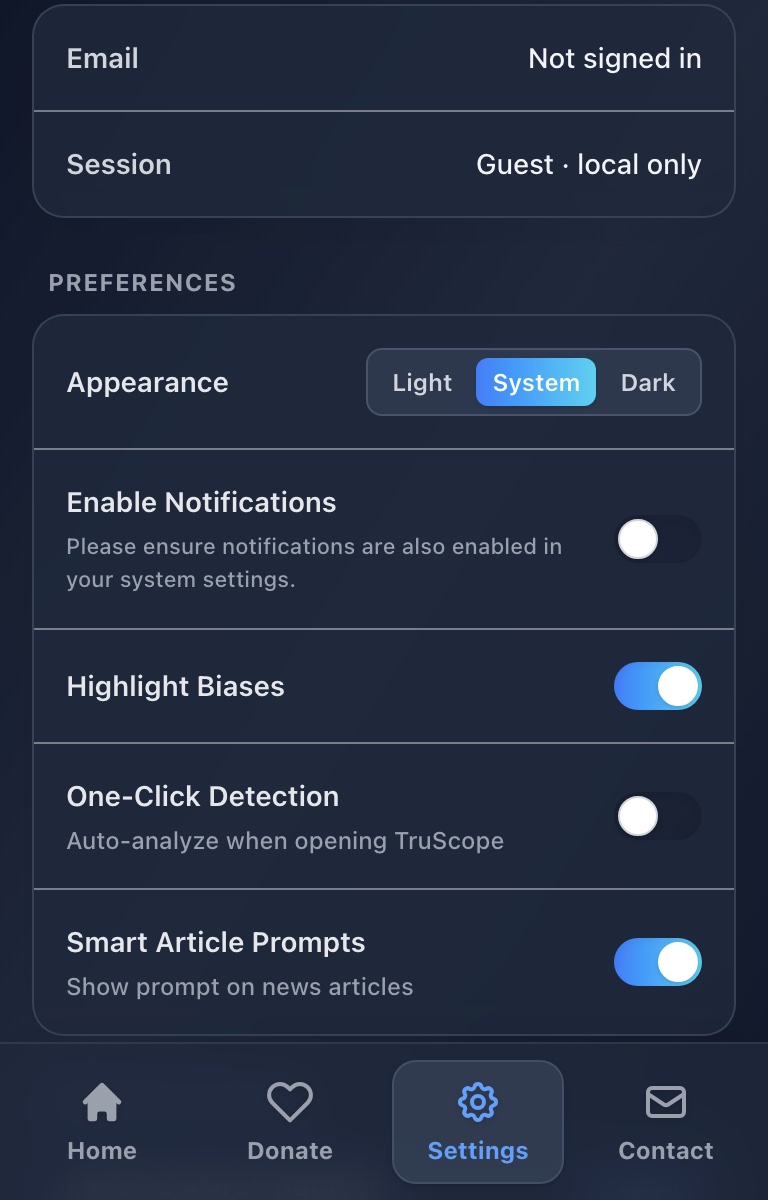
Your appearance, highlighting, notification, automatic-analysis, and smart-prompt preferences can follow your account. Article text, results, and your analysis archive remain stored locally.
Yes. TruScope keeps a local Recent Activity archive and lets you export detailed analysis records as JSON or CSV for your own review.

A clearer way to read
Install TruScope and see the language shaping the story.
Add to Chrome